Seaplane Dispatcher basics: your first shift
New to Seaplane Dispatcher? This guide explains the core loop of drawing routes, landing seaplanes and assigning docks, with simple habits for your first levels.
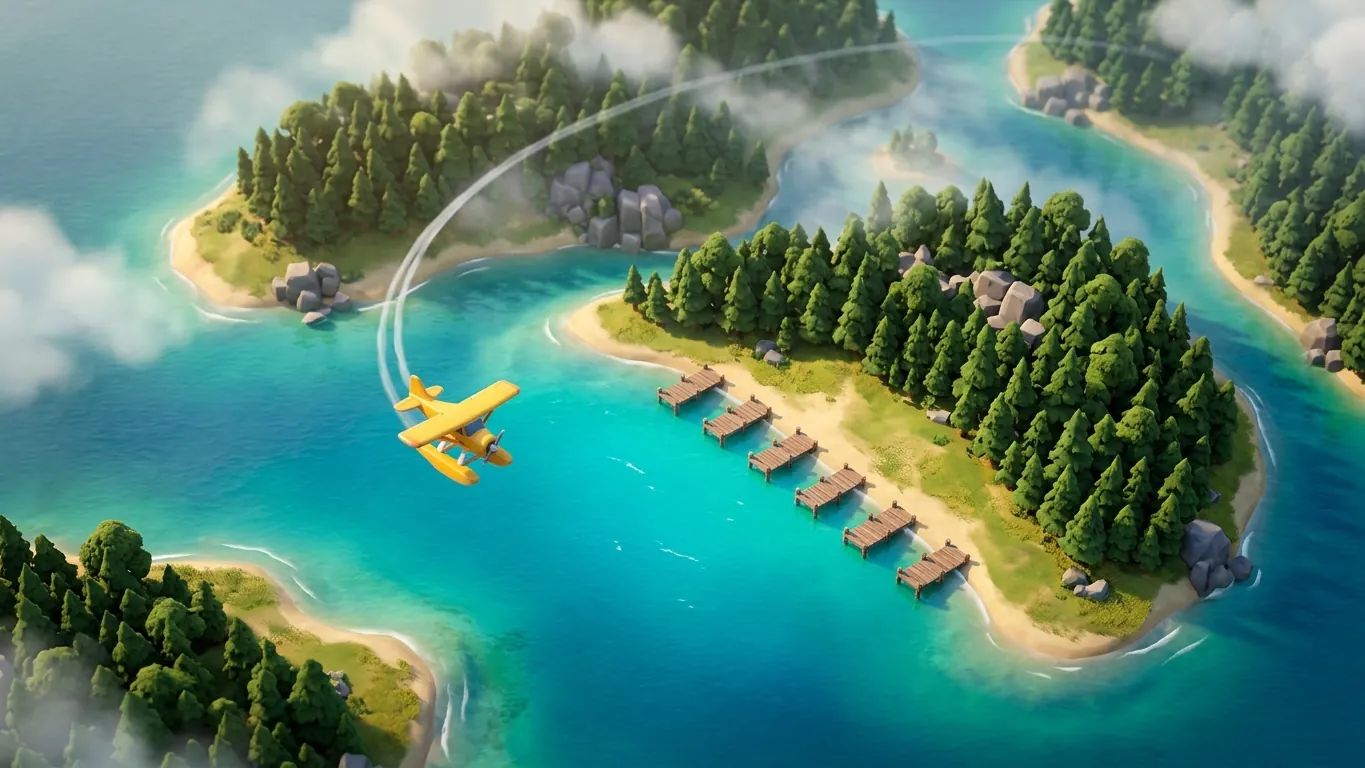
What you do in the control seat
Seaplane Dispatcher puts you in charge of the air above a fictional lake district in Canada. Seaplanes appear at the edges of the map and head toward the water. Your job is to guide each one to a safe landing and then to a free dock.
You do this by drawing a route. The plane follows the line you draw. If two lines bring planes to the same spot at the same moment, they collide and the level ends. That single rule shapes everything else in the game.
As you progress, the game adds pressure in layers. Faster planes arrive, thick fog covers parts of the map and urgent flights need to land ahead of the others. Each layer is introduced gradually, so you have time to adjust before the next one appears. Levels are short, which makes it easy to learn one idea at a time.
Reading the lake district from above
The game uses a top-down view. Turquoise lakes fill most of the screen, broken up by forested islands and narrow channels. Small animated seaplanes move across this space, and the docks sit along the shorelines.
Before you draw anything, take a moment to look at the layout. Note where the open water is widest, where islands narrow the approach and where the docks are grouped. Open water gives you room to turn. Narrow channels force planes close together.
A useful habit is to scan the map edges every few seconds. New planes enter from there, and spotting them early gives you more time to plan a route that does not cut across existing traffic.

Your first five minutes on the lakes
Use this short routine for the opening levels until it feels automatic.
- 01
Watch before you draw
Let the first plane travel a short distance. Its direction tells you which part of the lake district it is heading toward.
- 02
Draw one simple line
Guide the plane to open water with a gentle curve, then on to a dock. Avoid sharp corners at first.
- 03
Space out new arrivals
When a second plane appears, give it a route that stays well away from the first one.
- 04
Check the dock
Before each landing, confirm the dock you chose is free. A plane waiting for a busy dock blocks the water around it.
Switching between English and French
The interface is written in Canadian English, with an option to switch to French. The gameplay stays the same in both languages, so the routes, docks and planes behave exactly as before.
This is handy for bilingual households or for players who want to practise reading a second language in a low-pressure setting. If you switch partway through a session, take a moment to find the familiar menu items again before starting a new level. The tips on Arcadebridge apply in either language.
Habits that cause early crashes
Most early collisions come from a few predictable habits. The first is drawing long, looping routes. Loops look safe, but they keep a plane in the air longer and cross more space that other planes may need.
The second is forgetting older planes. When a new arrival appears, it is easy to focus on it and lose track of a plane that is already in the air. Glance back at every plane before committing to a new line.
The third is sending several planes to the same harbour at once. Even if the docks are different, their approaches can overlap near the shore. Spread landings across the map when you can.
Finally, avoid restarting a level the moment something goes wrong. Look at where the collision happened and why the two routes met. Short levels make it easy to try again, and understanding the mistake is what makes the next attempt cleaner.
Related articles
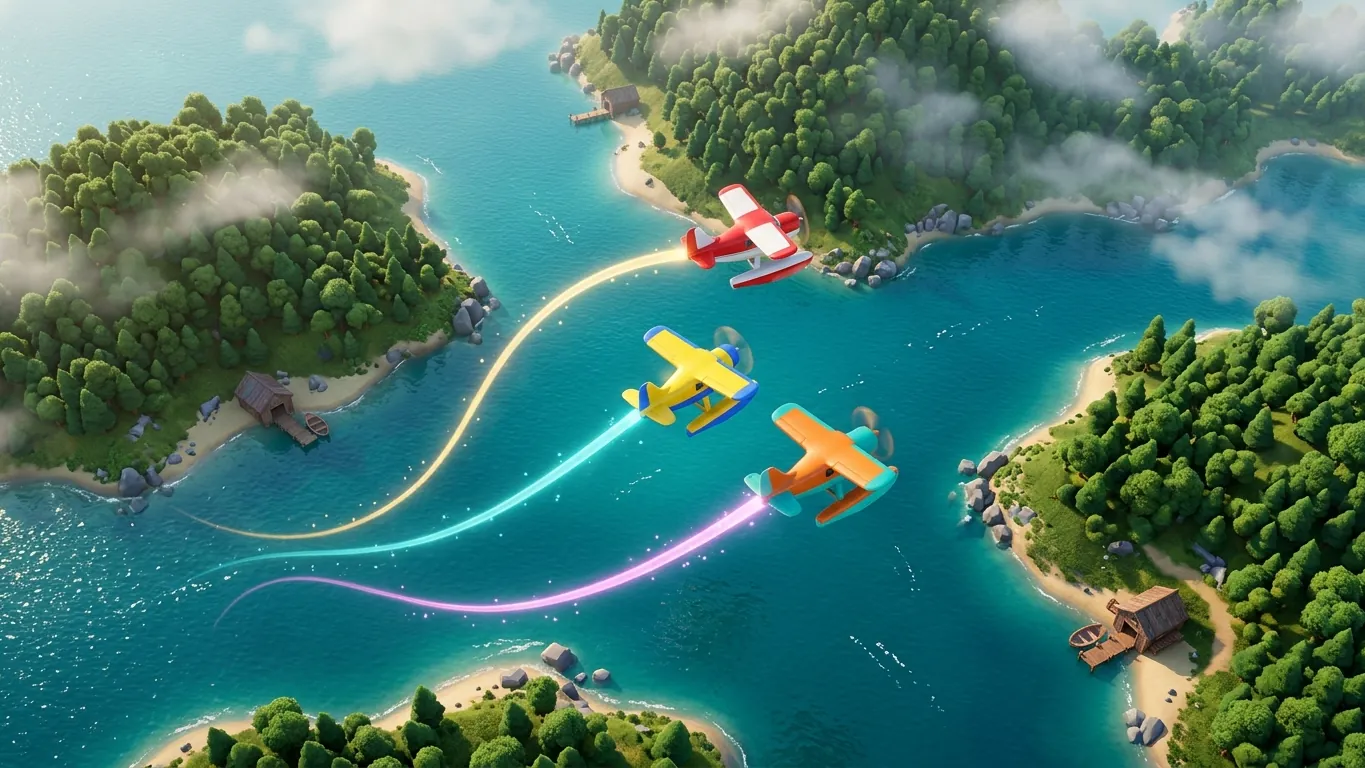 Drawing clean flight paths over the lakes
Learn how to draw seaplane routes in Seaplane Dispatcher that keep planes apart: path shape, lanes, crossing angles and when to redraw mid-flight.
Read more
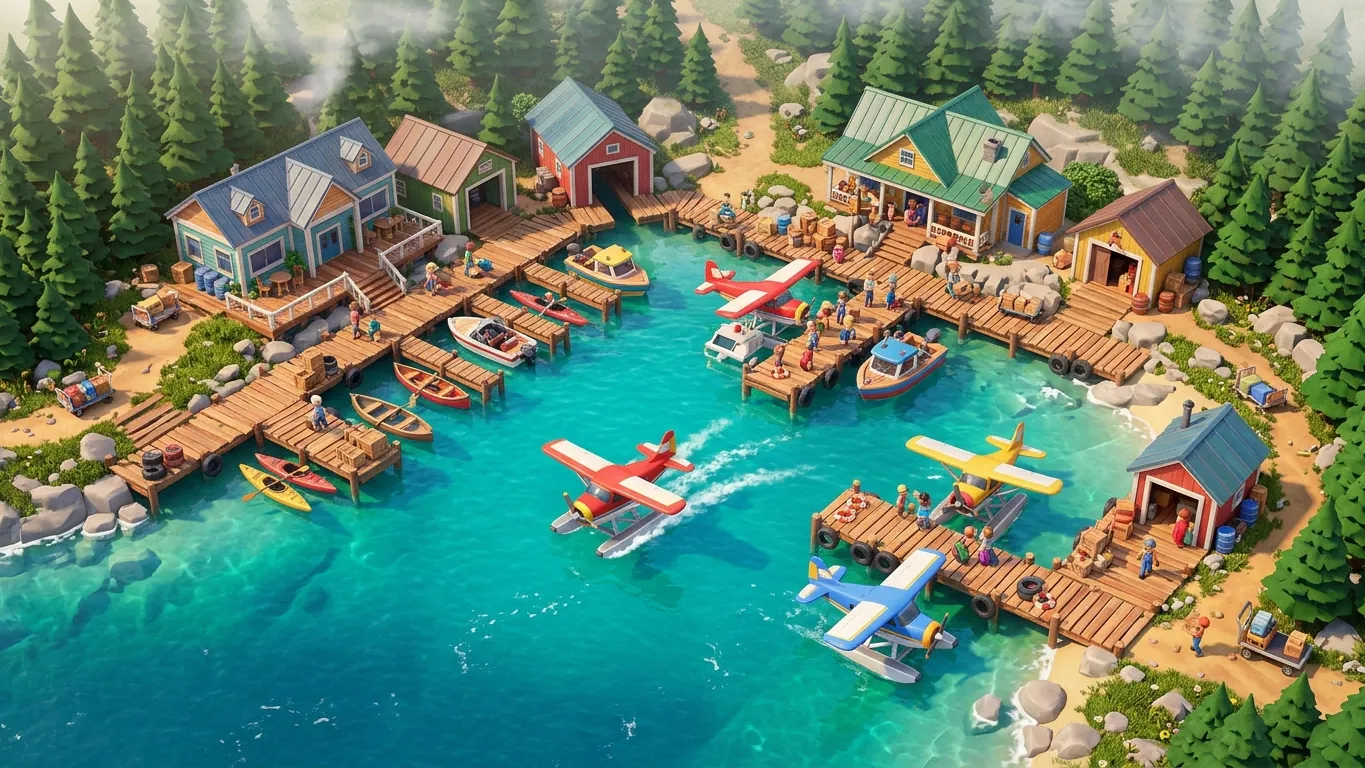 Dock assignment tips for busy harbours
Practical Seaplane Dispatcher tips for assigning docks: match docks to approach direction, keep a spare dock and clear crowded harbours calmly.
Read more
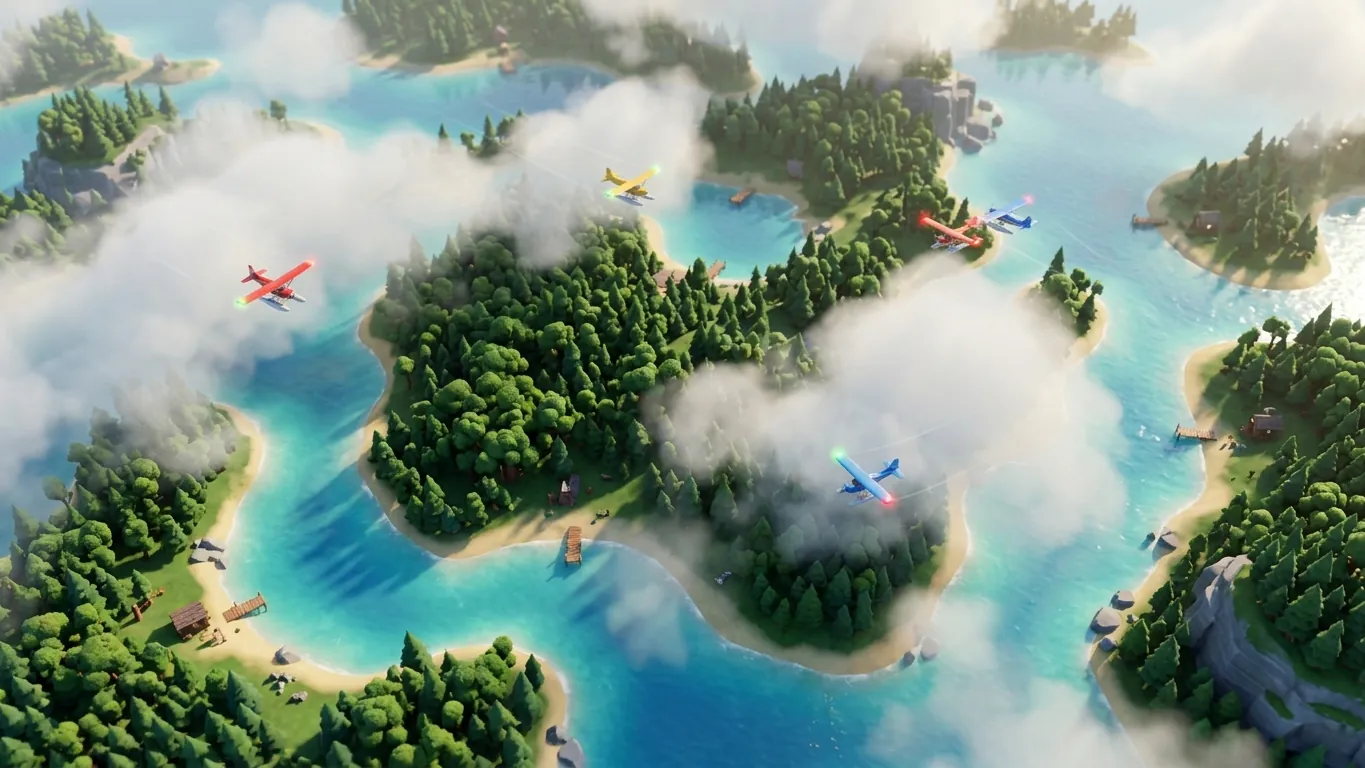 Flying through dense fog
How to handle dense fog in Seaplane Dispatcher: plan routes before it arrives, keep paths simple and recover calmly once visibility returns.
Read more