Dock assignment tips for busy harbours
Landing a seaplane is only half the job. These tips cover how to assign docks so harbours stay clear and new arrivals always have somewhere to go.
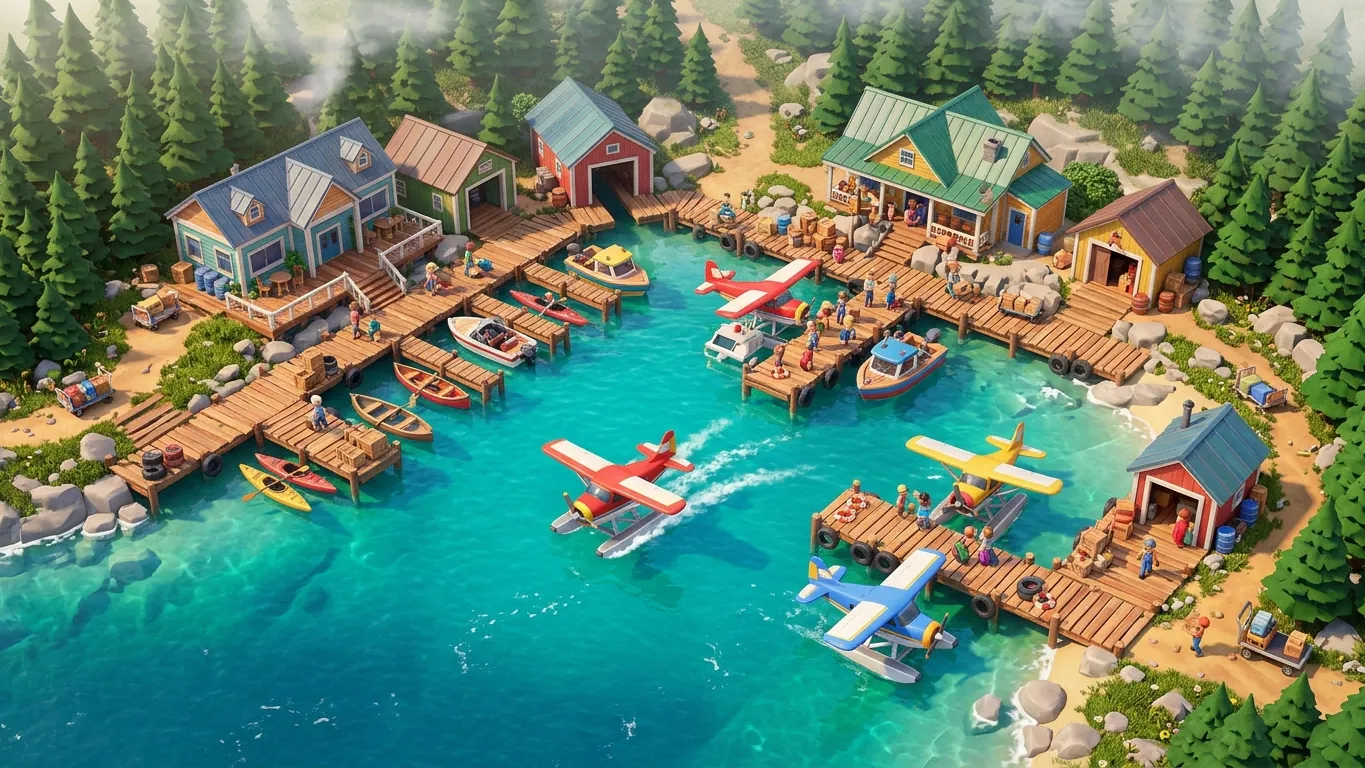
Why docks become the bottleneck
Early levels in Seaplane Dispatcher feel like they are all about the sky. Later ones are often about the shoreline. Every plane needs a dock after landing, and each harbour can only handle so much traffic at once.
When docks fill up, planes wait on the water or stay in the air longer. Waiting planes take up space that incoming routes need. One crowded harbour can turn a calm level into a tangle within seconds.
Thinking about docks before planes land is what separates steady runs from chaotic ones. The question is not only where a plane can land, but where it will go next and what that does to the planes behind it.
Match docks to approach direction
Look at where each plane enters the map and which docks sit on that side of the lake district. Sending a plane to a dock on its own side keeps its route short and stops it crossing the middle of the map.
Cross-map dock assignments are sometimes necessary, for example when every nearby dock is busy. Treat them as exceptions. Each cross-map route cuts through lanes used by other planes and raises the chance of a conflict.
It also helps to notice how each dock faces the water. A dock tucked behind an island may need a curved approach. A dock on open shoreline can usually take a straight final run, which is easier to time.
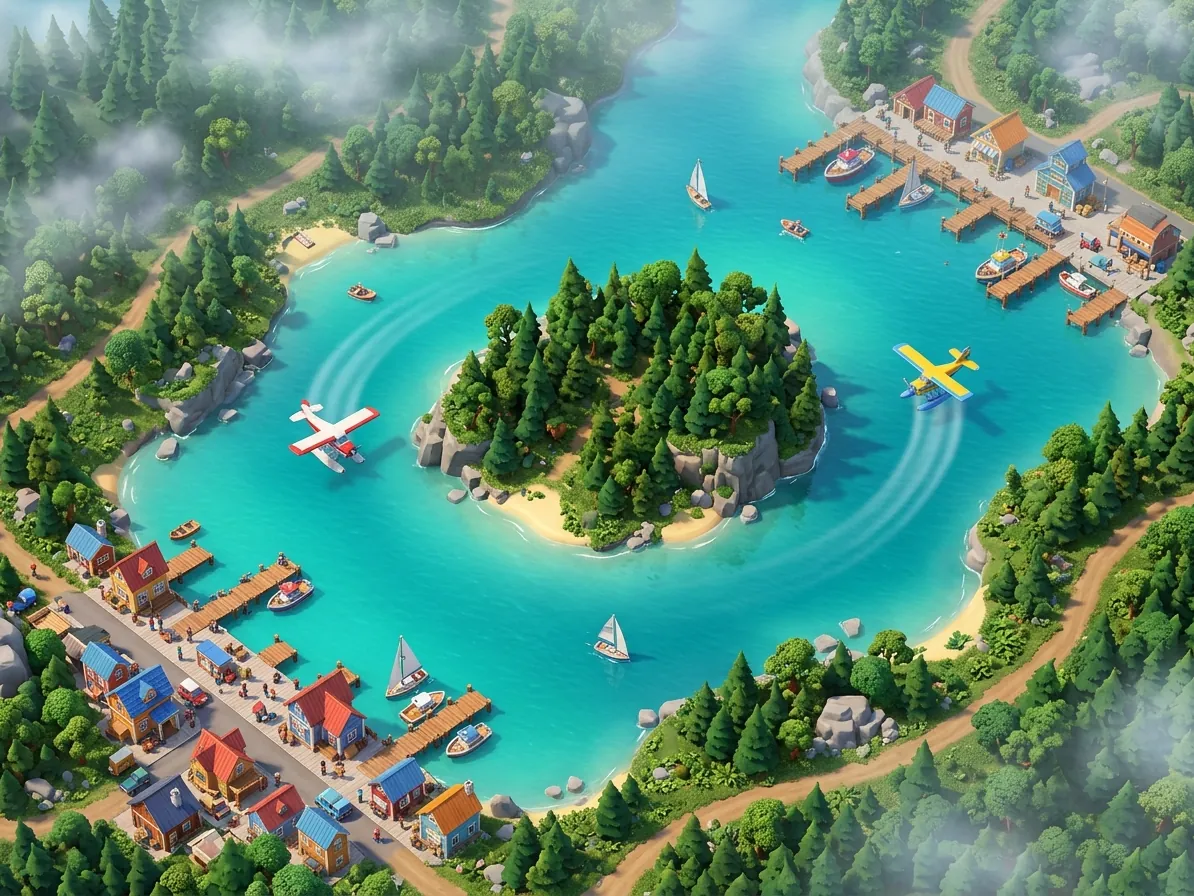
Keep a spare dock in reserve
A simple rule that works on many maps is to keep one dock free whenever you can. That spare dock is your safety valve. When an urgent flight appears or a fast plane arrives sooner than expected, you have somewhere to send it without reshuffling everything else.
This can feel wasteful when traffic is light. It pays off when traffic picks up. Levels are short, and the final stretch is often the busiest, so planning a reserve early gives you room when you need it most.
If you notice that the spare dock keeps getting used, it is a sign that the level is ramping up. Start spreading landings more evenly across the map before the harbours fill.
Clearing a crowded harbour
When one shoreline gets too busy, work through these steps in order.
- 01
Stop adding traffic
Send new arrivals to other parts of the lake district while the crowded harbour clears.
- 02
Handle the nearest planes first
Focus on the planes closest to their docks so space opens up as soon as possible.
- 03
Hold others over open water
Give waiting planes a wide, calm path over open water rather than a tight turn near the shore.
- 04
Rebalance the map
Once the harbour is clear, go back to assigning docks by approach direction.
Common dock mistakes to avoid
The most common mistake is defaulting to the closest dock for every plane. It feels efficient, but it tends to stack traffic in one harbour while others sit empty.
Another is assigning a dock and then forgetting about the shoreline approach. Two planes heading to neighbouring docks can still collide on the way in if their final lines overlap.
A third is ignoring docks on the far side of an island. They often look harder to reach, but they spread the load and keep the main harbour calmer.
After a level, think about which docks you used most. If one harbour handled nearly everything, try a different split next time and compare how the level feels.
Related articles
 Flying through dense fog
How to handle dense fog in Seaplane Dispatcher: plan routes before it arrives, keep paths simple and recover calmly once visibility returns.
Read more
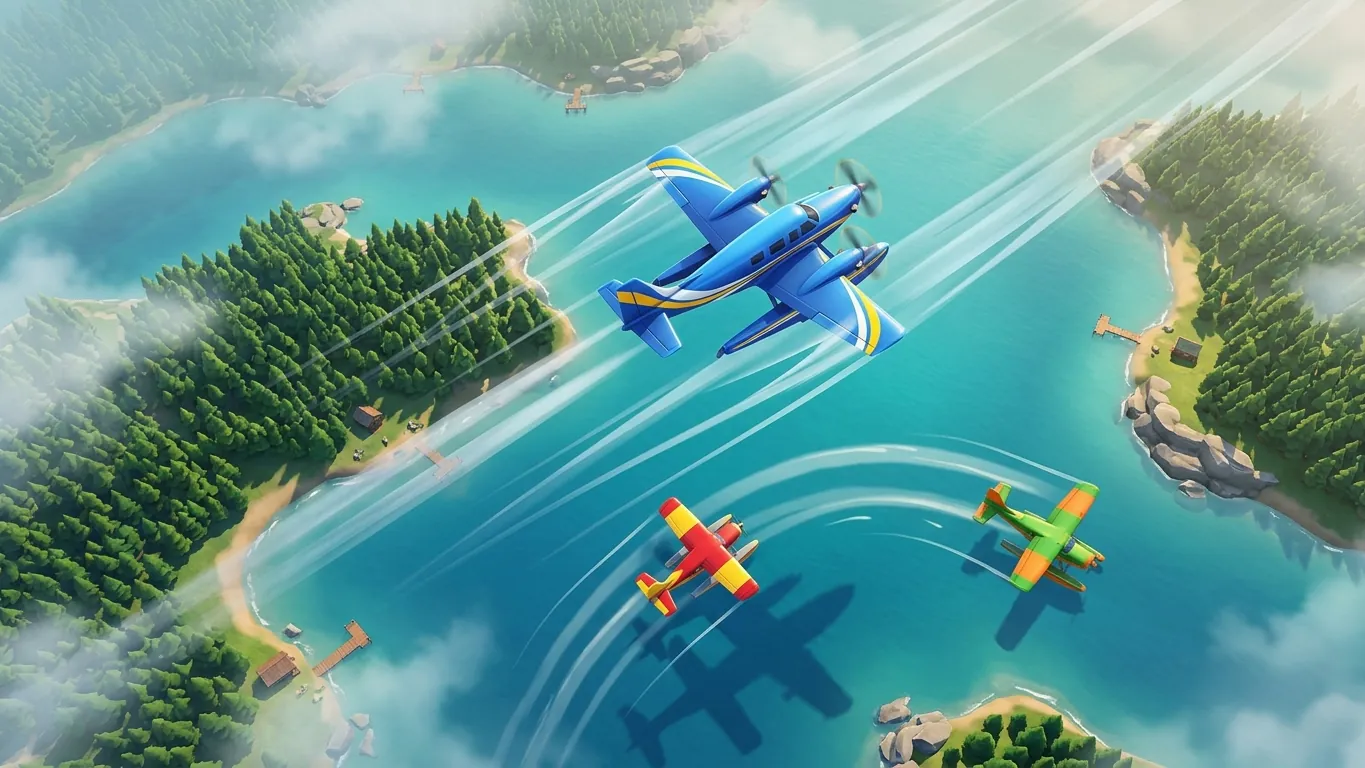 Managing fast seaplanes without collisions
Tips for handling fast seaplanes in Seaplane Dispatcher: adjust your timing, give them outer lanes and route them first in mixed-speed traffic.
Read more
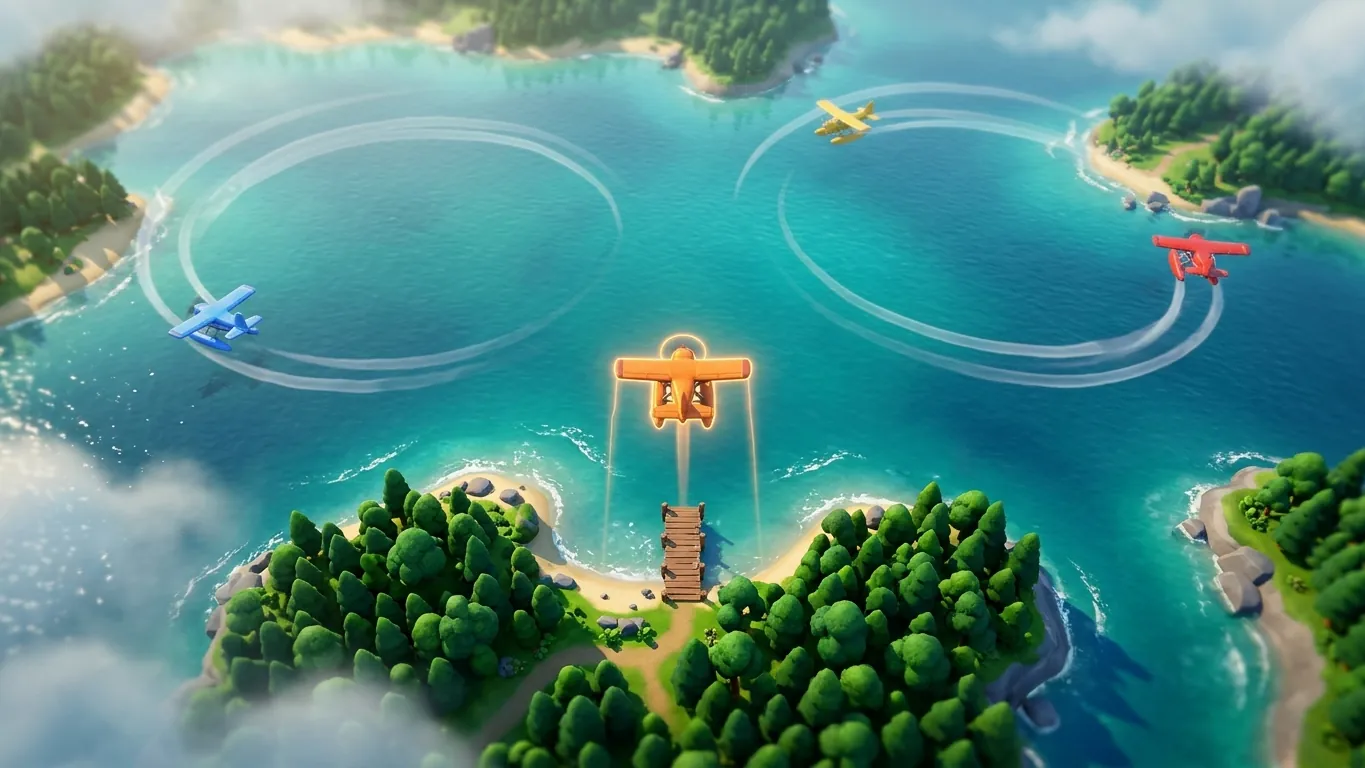 Urgent flights: prioritizing under pressure
Learn how to handle urgent flights in Seaplane Dispatcher: clear the approach, choose which plane waits and stay calm when several arrive at once.
Read more